

Spaceflight Simulator APK
Team Curiosity ✦
- Version
- 1.6.00.22
- Size
- 107.3 MB
- Android
- 6.0+
- Category
- Strategy
Screenshots
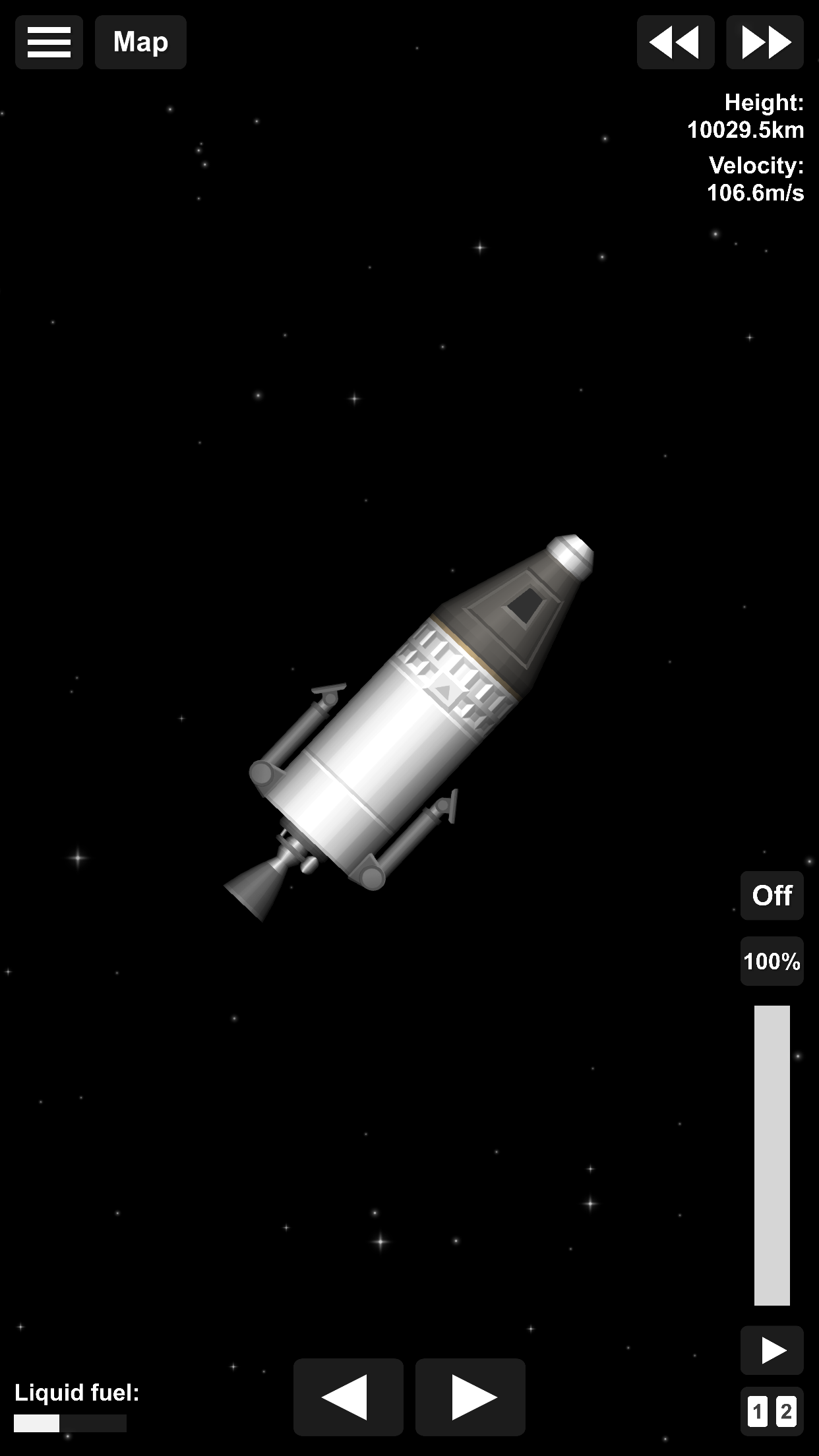
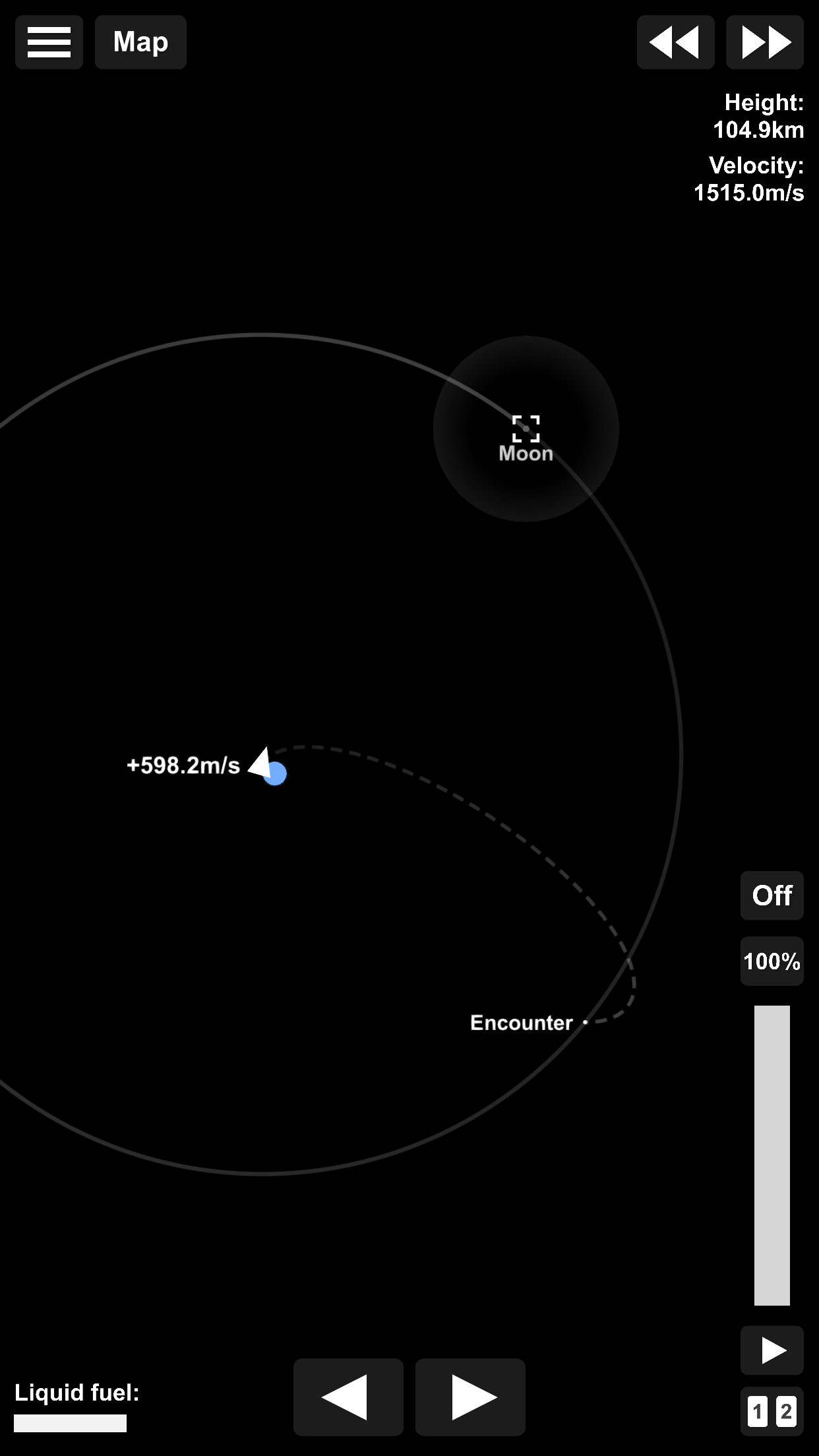
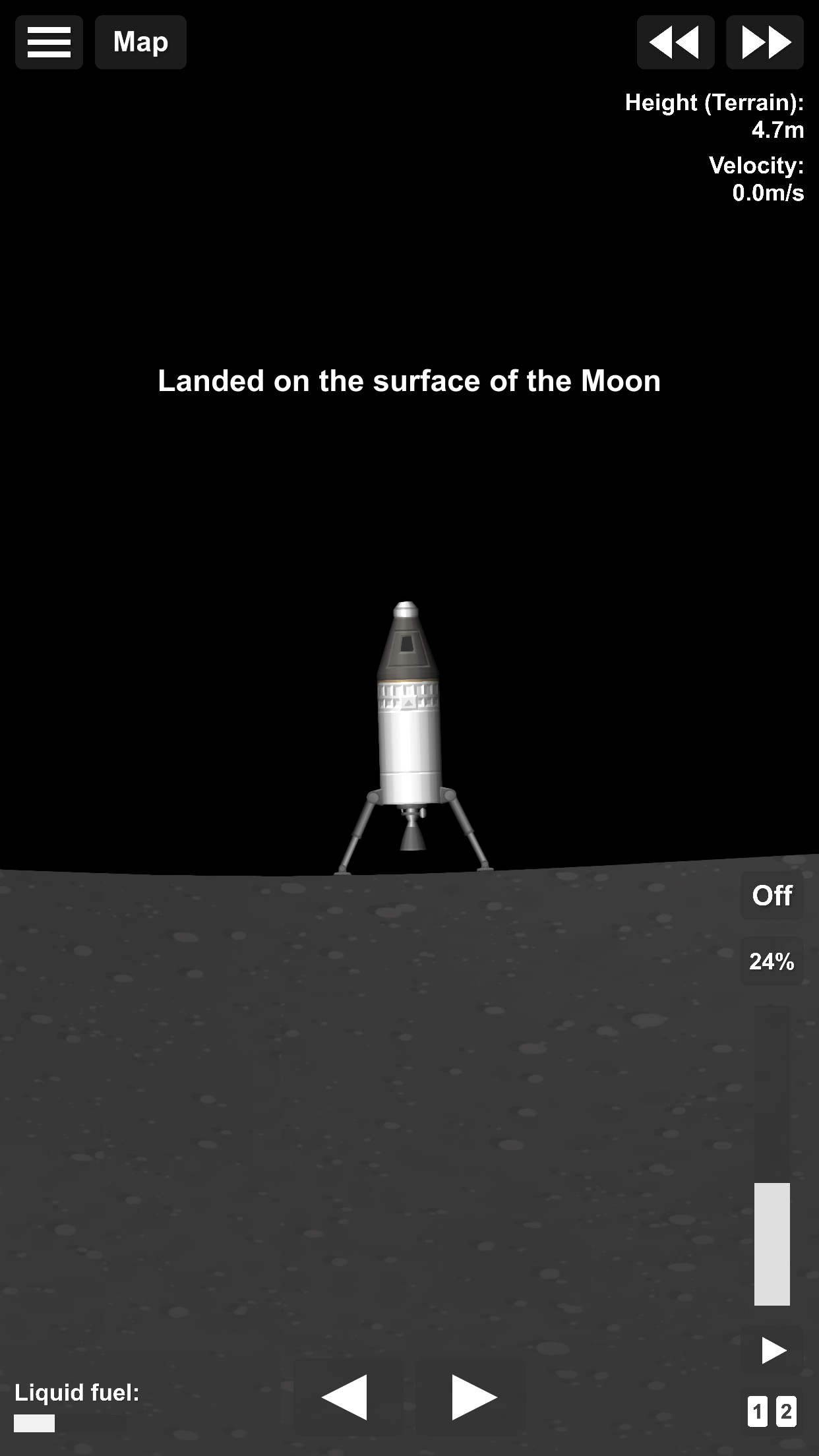
What's new
Version 1.6.00.22 is the newest build on APKBlade, updated 27 June 2026.
Build and launch your own rockets to explore the universe in Spaceflight Simulator APK!
Discover Spaceflight Simulator APK for Android
Imagine being able to build your own rocket and explore the vastness of space right from your phone. Sounds exciting, right? That’s exactly what Spaceflight Simulator APK for Android offers. This game lets you dive into the world of rocket science and space exploration without leaving your couch. Whether you’re a budding astronaut or just someone who loves space, this game is perfect for you.
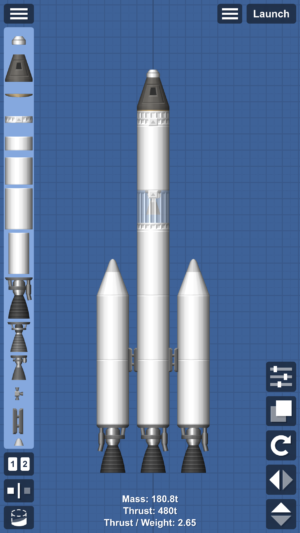
Spaceflight Simulator is not just any game; it’s a simulation that allows you to construct rockets using various parts. You can create any rocket you want, launch it into space, and explore the universe. The game is designed to be both educational and entertaining, making it a great choice for anyone interested in learning more about space and rockets.
Building Your Own Rocket
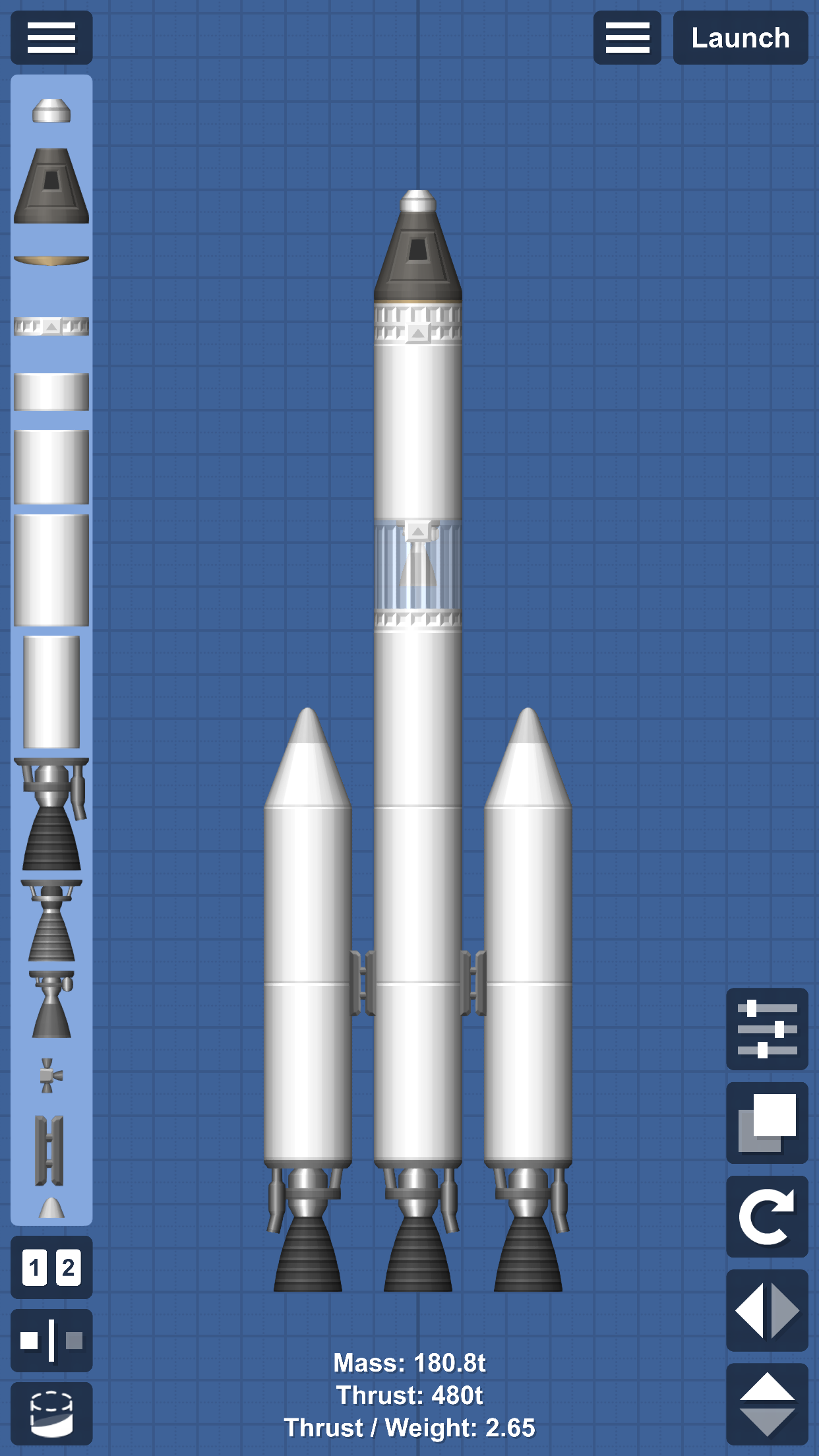
In Spaceflight Simulator, the fun begins with building your own rocket. You have a variety of parts at your disposal, including engines, fuel tanks, and command modules. The game encourages creativity, allowing you to design rockets of all shapes and sizes. Want to build a small, speedy rocket? Go for it! Prefer a massive, powerful one? You can do that too!
The process of building a rocket is simple and intuitive. You drag and drop parts to assemble your rocket, and the game provides helpful hints to guide you along the way. It’s like a giant puzzle where you get to decide the final picture. Once your rocket is ready, it’s time for the next exciting step: launching it into space.
Launching Into Space
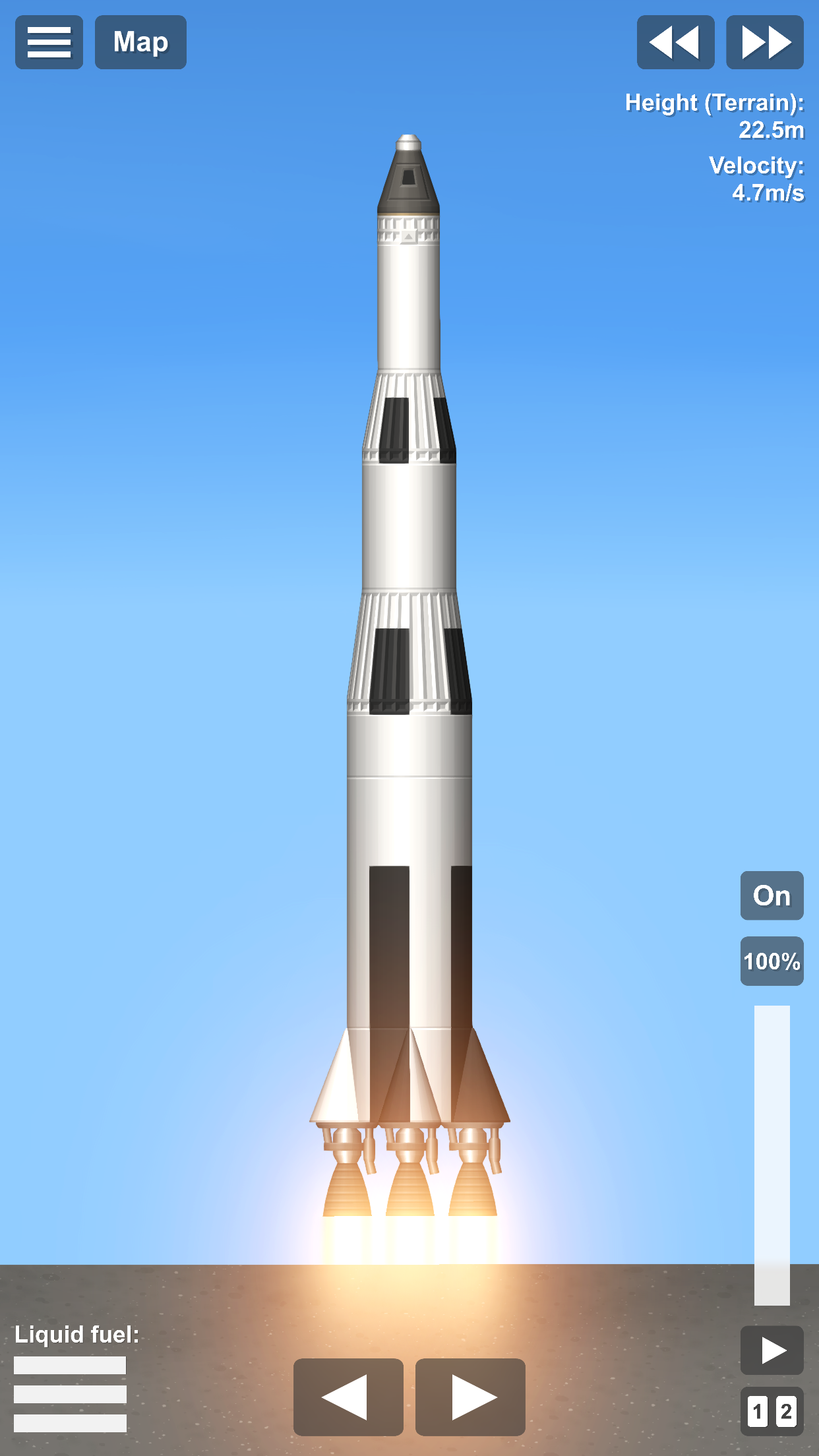
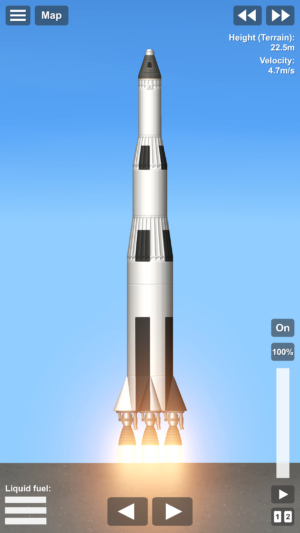
Launching your rocket is where the real thrill begins. With a simple tap, your rocket blasts off into the sky, and you watch as it soars higher and higher. The game uses realistic physics, so you’ll need to carefully manage your rocket’s speed and direction to ensure a successful launch. It’s a delicate balance that adds an extra layer of challenge and excitement to the game.
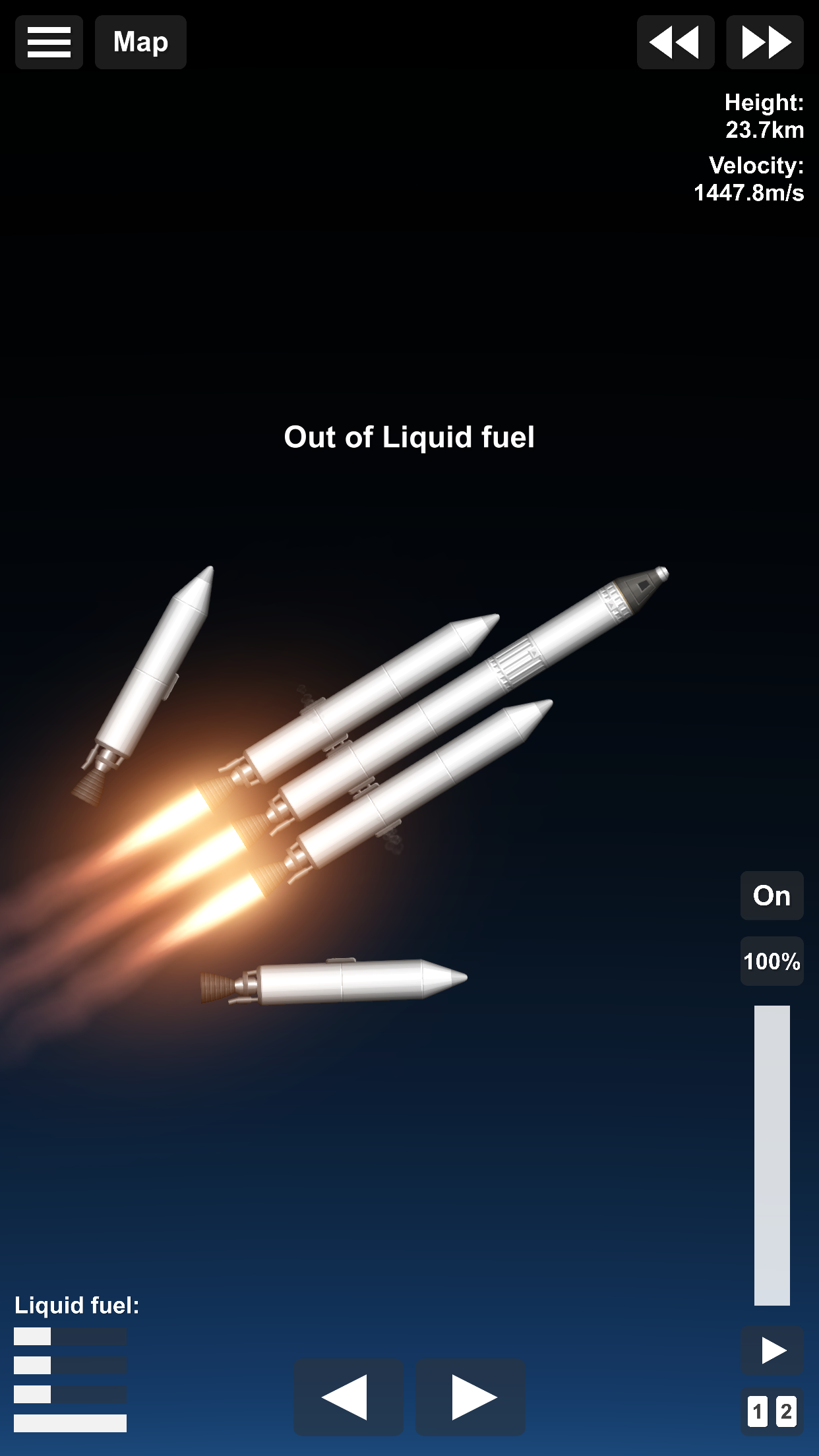
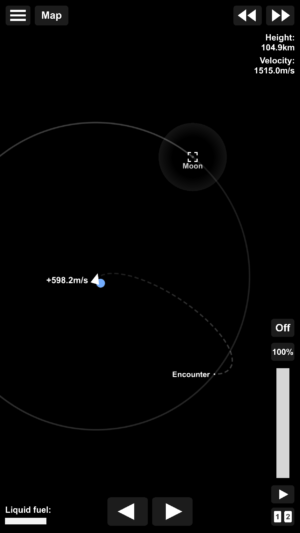
As your rocket travels through space, you’ll encounter various celestial bodies like planets and moons. Each one offers a unique opportunity for exploration. You can land on them, take off, and continue your journey through the cosmos. The vastness of space is yours to explore, and every mission brings new adventures.
Exploring the Universe
Spaceflight Simulator offers an expansive universe to explore. From the moment your rocket leaves Earth, you’re free to travel wherever you want. The game features a realistic solar system with planets, moons, and even asteroids. Each celestial body has its own characteristics, so you’ll need to plan your missions carefully.
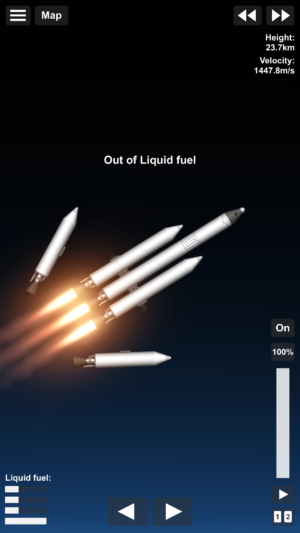
Exploration is a key part of the game, and there’s always something new to discover. Whether you’re landing on a distant planet or navigating through an asteroid belt, the universe is full of surprises. The game encourages curiosity and experimentation, making every journey a unique experience.
Why Spaceflight Simulator is So Engaging
One of the reasons Spaceflight Simulator is so engaging is its combination of creativity and challenge. Building rockets allows for endless creativity, while launching and exploring space presents exciting challenges. The game strikes a perfect balance, keeping players entertained and motivated to keep playing.
The educational aspect of the game is also a big draw. Players learn about rocket science and space exploration in a fun and interactive way. It’s a great way to spark an interest in science and technology, and it can even inspire future astronauts and engineers.
How to Download Spaceflight Simulator APK
Downloading Spaceflight Simulator APK for Android is easy and free. You can get the latest version of the game right here, without any registration or hassle. Just follow these simple steps:
- Click the download button at the top to start downloading the APK file.
- Once the download is complete, open the file to begin the installation process.
- Follow the on-screen instructions to install the game on your device.
- Once installed, open the game and start building your rocket!
Tips for Success in Spaceflight Simulator
To make the most of your space adventures, here are some tips to keep in mind:
- Experiment with Different Designs: Don’t be afraid to try new rocket designs. Experimentation is key to finding the perfect rocket for your mission.
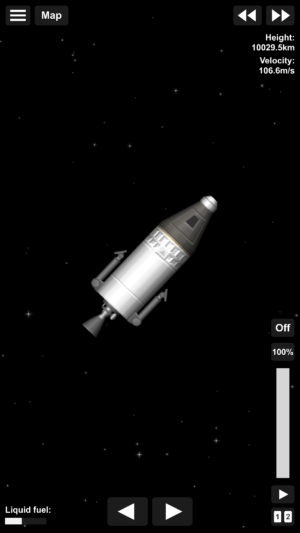
- Manage Your Resources: Pay attention to your rocket’s fuel and other resources. Running out of fuel in space can end your mission prematurely.
- Plan Your Missions: Before launching, plan your mission carefully. Consider the distance to your destination and the amount of fuel you’ll need.
- Learn from Mistakes: If your rocket doesn’t launch successfully, don’t worry. Learn from your mistakes and try again. Every failure is a step closer to success.
Conclusion
Spaceflight Simulator APK for Android is a fantastic game for anyone interested in space and rockets. It offers a unique blend of creativity, challenge, and education, making it a must-play for aspiring astronauts and space enthusiasts. With its easy-to-use interface and realistic physics, the game provides an immersive experience that will keep you coming back for more.
So why wait? Download Spaceflight Simulator APK today and start your journey into the stars. Build your own rockets, explore the universe, and discover the wonders of space. The cosmos is waiting for you!
More About Spaceflight Simulator
| Name | Spaceflight Simulator |
|---|---|
| Package Name | com.StefMorojna.SpaceflightSimulator |
| Category | Strategy |
| Version | 1.6.00.22 |
| Size | 107.3 MB |
| Requires Android | 6.0 and up |
| Developer | Team Curiosity ✦ |
| Last Updated | 27 June 2026 |
How to Install Spaceflight Simulator
- Tap the download button and let the file finish.
- Open the file from your notifications or the Downloads folder.
- If Android asks, allow your browser to install unknown apps.
- Tap Install, then open the app.
FAQ'S
How to install Spaceflight Simulator on android phone?
Once you've downloaded the APK file, click on the downloaded file, then hit the "Install" button.
I am getting Play Protect warning while installing!
Some mod APK files might get a warning. You can ignore this warning and install the APK file. Follow these simple steps to turn off Play Protect: Open Google Play app > Click Profile Icon > Select Play Protect -> Setting > Turn off both "Scan apps with Play Protect" and "Improve harmful app detection" options.
How to update APK without losing the data?
To update APK without losing the data, you don't need to follow anything extra. Click on the downloaded APK file and click the "Install" button. The app will update automatically without loss of data.
How to fix problems while installing/opening?
Make sure you have downloaded the file correctly. The downloaded file extension must end with .apk file. If you face any package install error, redownloading the file may fix the issue.


















Ratings and reviews
There are no reviews yet. Be the first one to write one.